

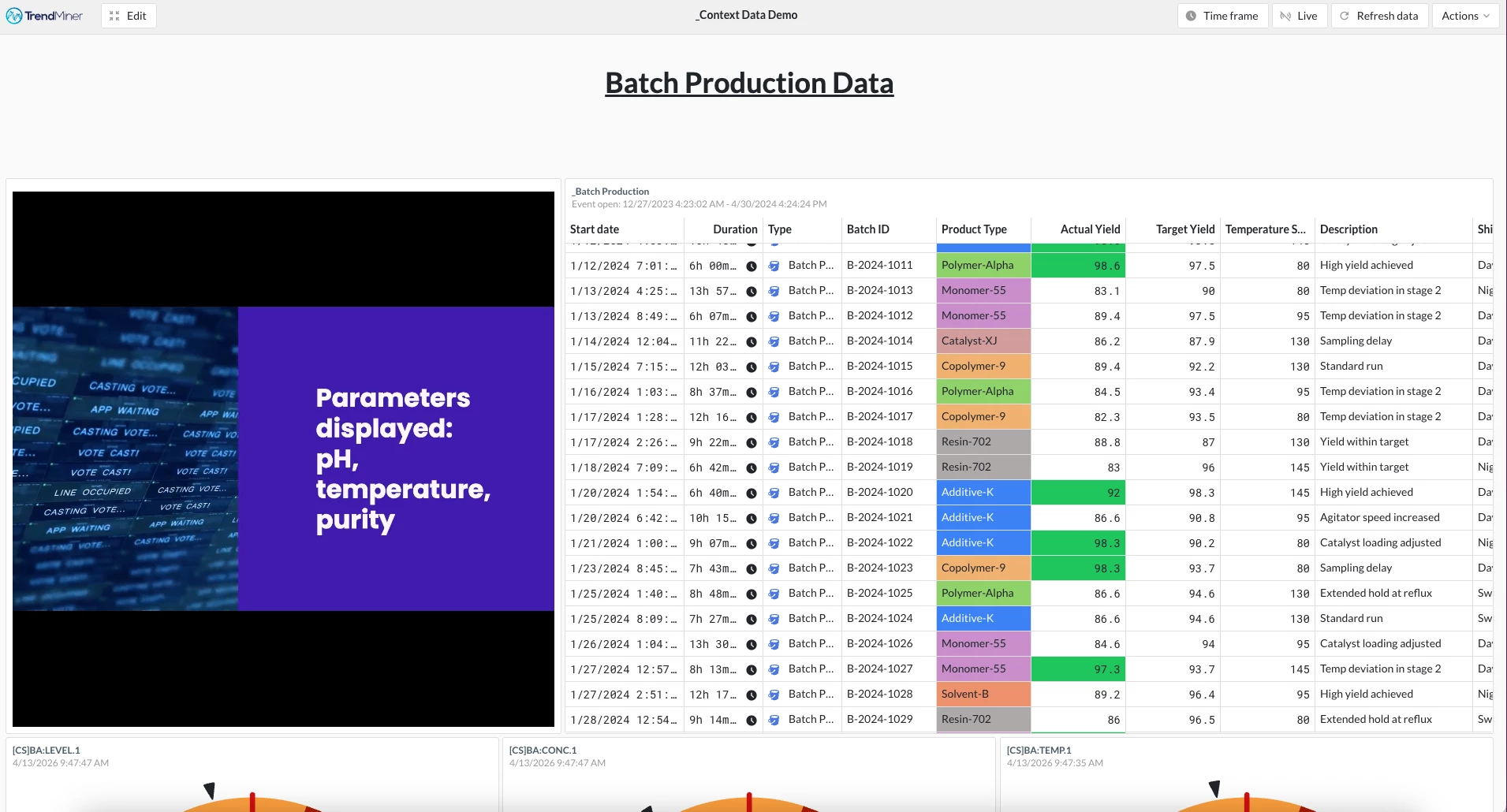
Enhance your TrendMiner dashboards with AI-generated video walkthroughs. Use Copilot-powered Clipchamp to quickly create professional videos that help users understand and get more value from your dashboard data.
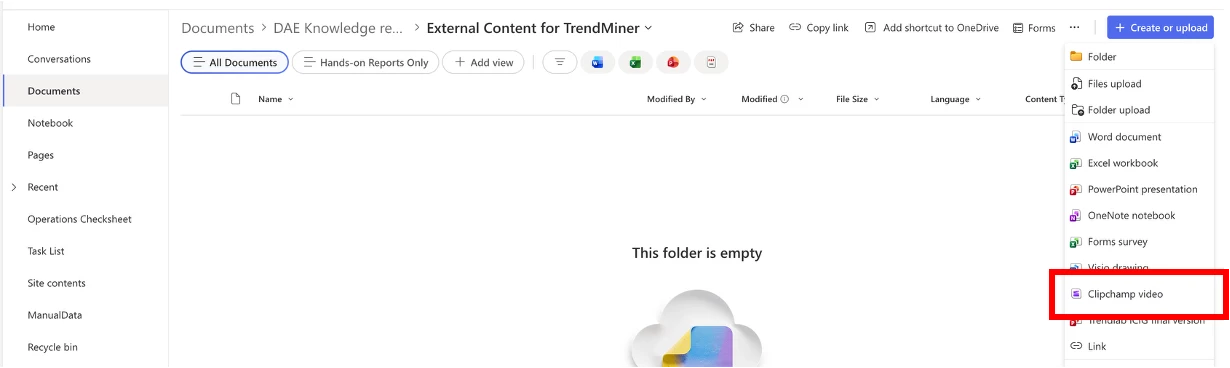
Step 1: Create a Clipchamp Video in SharePoint
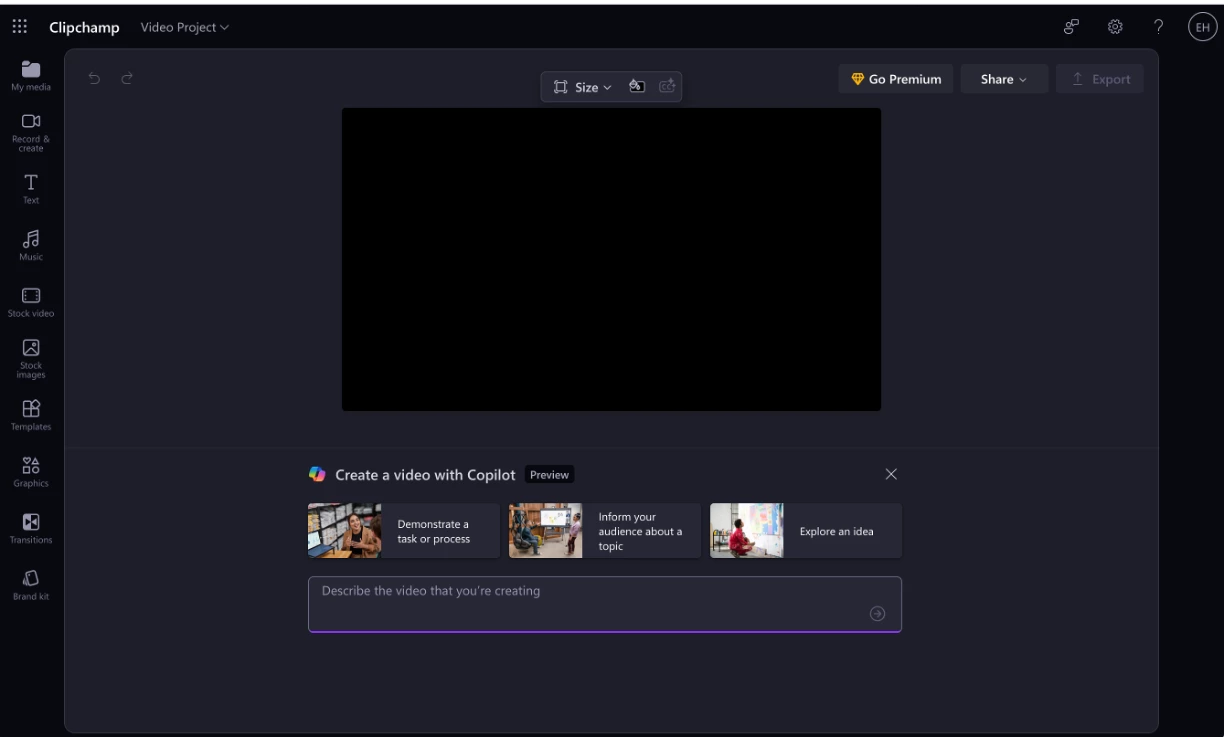
Step 2: Generate Your Video with AI
Write a clear description of your video's purpose and provide the script for your audio or on-screen text. Let Copilot AI do the heavy lifting—it will generate a polished, professional video in seconds. Once created, export it as an MP4 file, ready for embedding.
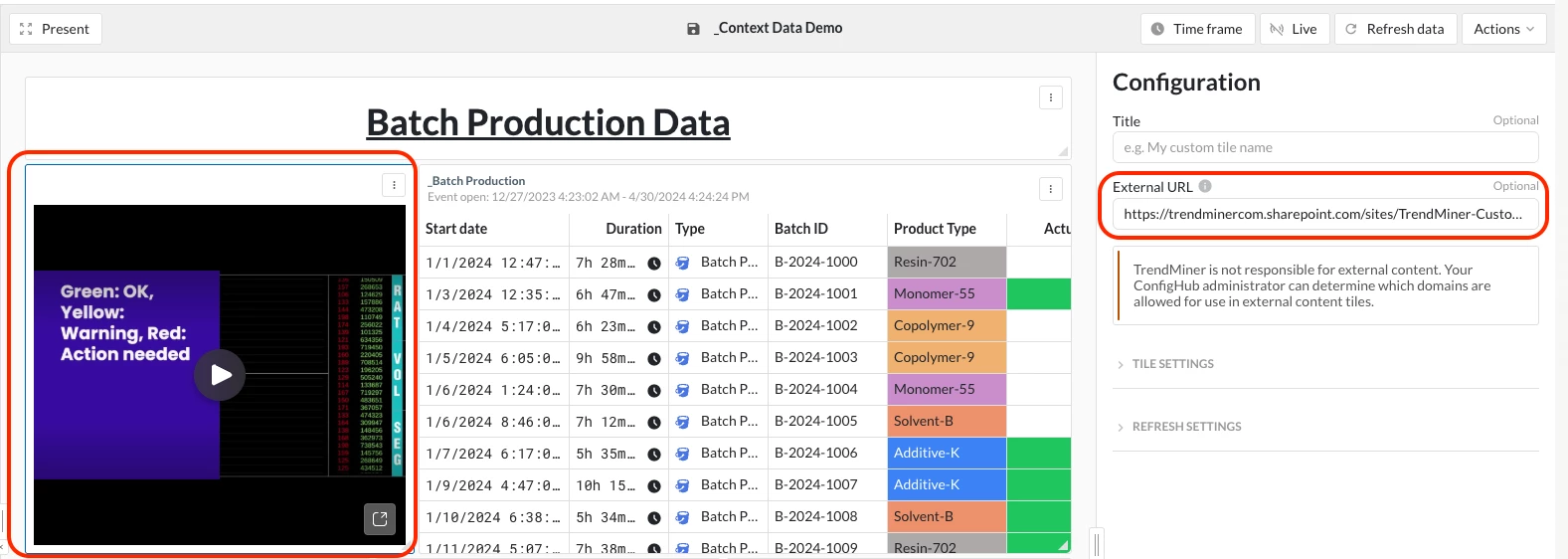
Step 3: Embed as an External Content Tile in TrendMiner
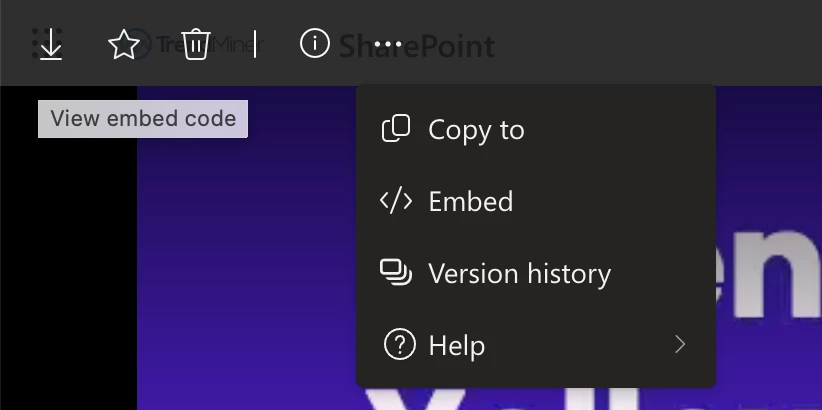
Preview your video in SharePoint to get the iframe source URL, then embed it as an external content tile in TrendMiner.