
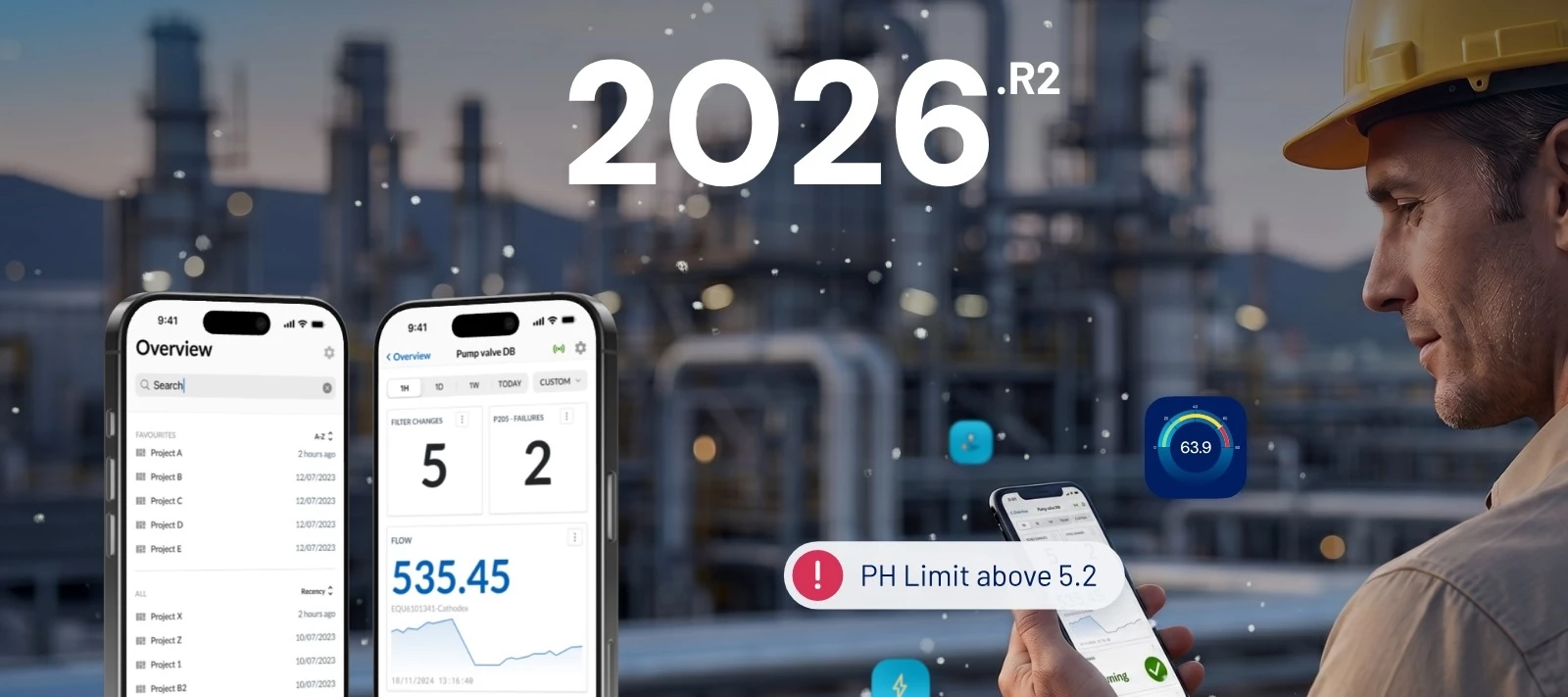



We just shipped 2026.R2.0, built around three of your most-requested asks: mobile access, deeper calculated tags, and connecting TrendMiner to the AI tools your organization already runs...
Take your dashboards to the plant floor
Mobile dashboards are live. Log in from your phone and you land in a dashboard overview built for small screens: browse, open, switch time frames, toggle live mode, inspect context items.
And as an additional bonus: QR codes. Stick one on a reactor, a line, or a maintenance card, and anyone with a TrendMiner login can scan it and land straight on that asset's dashboard. Mobile is built for viewing; editing still happens on desktop.
Build calculations the way your plant is actually structured
Calculated tags now support up to 20 levels of nesting, up from 2. This unlocks hierarchical roll-ups: compute a KPI at unit level, aggregate at area, roll it up to plant, each step its own reusable tag. You can also build incrementally now, layering logic on top of a saved tag instead of planning the whole tree upfront.
In addition, the tag dependency browser now has an Edit button, so you can jump straight into the Tag Builder from a focus chart.
Connect TrendMiner to the AI tools you already use
The new TrendMiner MCP Server connects your process data and analytics to Microsoft Copilot, ChatGPT, Claude, or any AI tool you’re already using. Process engineers and operators can ask questions in plain language and get answers grounded in your SOPs, equipment docs, and TrendMiner data.
This first release ships discovery, data/analysis, and visualization tools, with more added every release. MCP access is currently exclusive to our Early Access AI Program; reach out to your TrendMiner contact if you want in.
New connector: Proficy Cloud
Running a Proficy Cloud historian? You can now connect it via REST API and analyze that data alongside your existing sources. Not on by default, ping your TrendMiner contact to enable it.
Full details on this release are available in the Release Notes. Questions? Drop them below.