Dear Team,
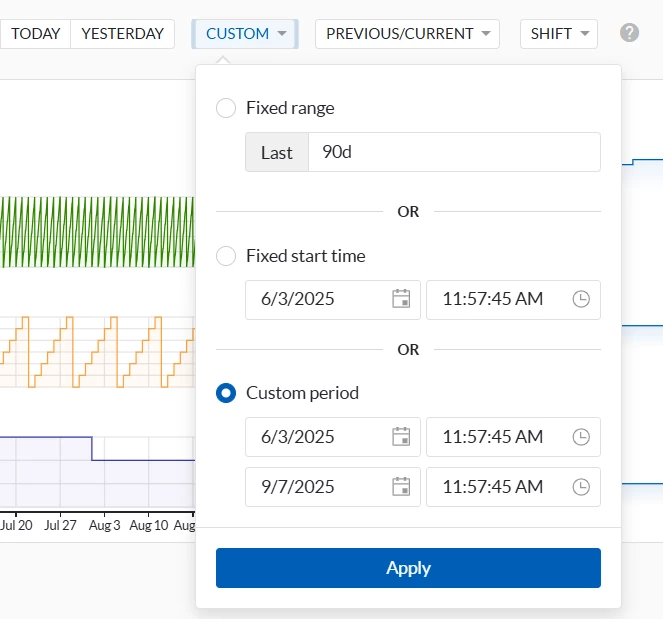
Can we save the view with future dates let’s say 4 days future data and use this view in dashboard? Currently we are making live view which refresh and show up to current timestamp. what if we want to use this as current+4days?

Dear Team,
Can we save the view with future dates let’s say 4 days future data and use this view in dashboard? Currently we are making live view which refresh and show up to current timestamp. what if we want to use this as current+4days?
Best answer by Natasha Neese
Hi
In TrendHub:
You can use the lock symbol in the Focus Chart to freeze the duration of your view, so it won’t automatically adjust when new data comes in.
The Live View mode continuously refreshes to show data up to the current timestamp. However, when Live View is activated in TrendHub, it is not possible to include future dates (e.g., the next 4 days) in the view.
In DashHub:
You can adjust the global time frame, so that the dashboard tiles visualize the next 4 days.
If this functionality is important for your workflow, we encourage you to submit it as a feature request in our Product Ideas:
👉 TrendMiner Product Ideas
For reference:
Best regards,
Natasha
No account yet? Create an account
Enter your E-mail address. We'll send you an e-mail with instructions to reset your password.